
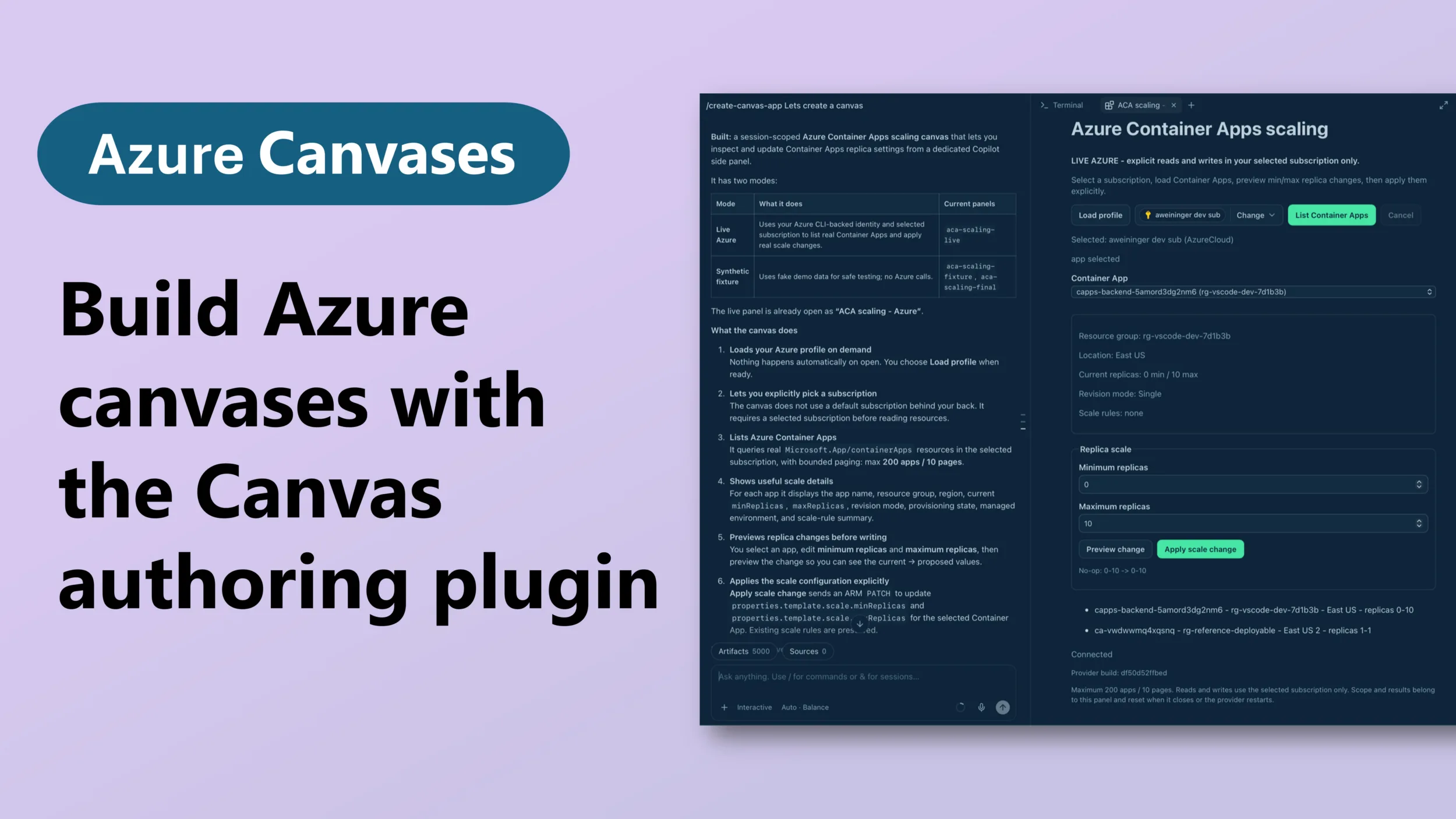
Building applications on Azure can often feel like navigating a labyrinth, especially when you're trying to create functional canvases from scratch. The newly introduced Canvas authoring plugin for the Microsoft Canvas Toolkit seeks to untangle this process.
By allowing developers to start with a read-only template and evolve it into a fully functional application, this tool addresses a common pain point for those integrating Azure into their workflows.
The plugin effectively acts as a bridge between initial concept and deployment, enabling developers to inspect, test, and adapt their applications with greater ease. This could be particularly beneficial for teams that often find themselves in the iterative cycle of development, where rapid prototyping is essential.
For instance, a developer tasked with creating a dashboard for monitoring cloud resources can now start with a basic layout and incrementally add features without overwhelming friction.
However, while the potential to streamline canvas creation is promising, there are limitations that warrant attention. For one, the extent of customization available within the plugin remains unclear. Developers might find themselves constrained by the framework if it doesn’t support the specific functionalities they need.
Furthermore, the documentation surrounding the plugin is still developing, which could leave newcomers scratching their heads when trying to implement it effectively.
Another consideration is the rollout strategy. Developers and teams may face hurdles if the plugin is not readily available across all Azure environments or if licensing restrictions apply. The ease of use touted by Microsoft hinges on widespread accessibility, and any barriers to entry could negate the benefits of such a tool.
Ultimately, while the Canvas authoring plugin is a step in the right direction, it’s essential for developers to remain vigilant. They should weigh the advantages of using the plugin against the potential limitations it may impose. As with any new tool, the real test will be in the hands of those who utilize it daily.
Will it genuinely reduce friction in the toolchain, or will developers find themselves grappling with new constraints?
As the landscape of Azure development continues to evolve, this plugin could either become a staple for developers or a footnote in the ongoing quest for efficiency. With the right adjustments and better documentation, it might just help transform scattered ideas into actionable applications.
For more details, check out the full announcement here.